







River Mapping
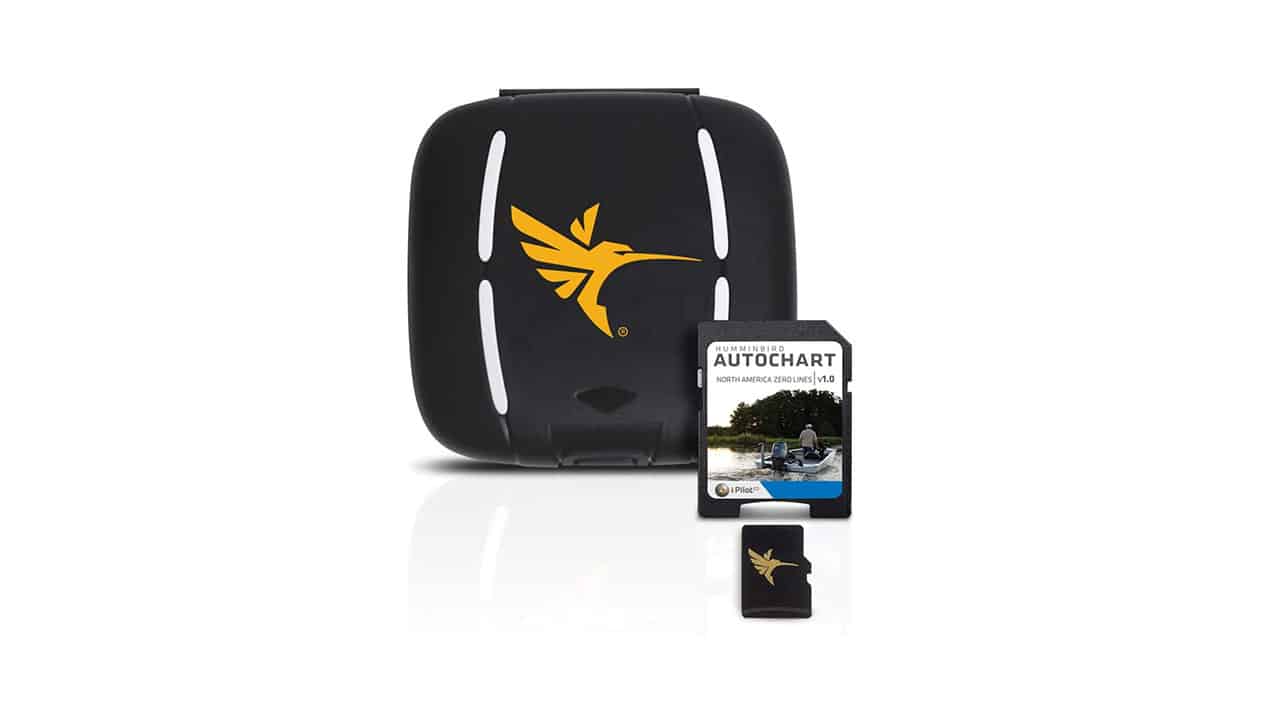
James Lindner and Jeff Simpson are out on an unmapped river doing some catfishing. A great feature of a Humminbird Helix for unmapped waters live is using Humminbird’s AutoChart Live to create contours on your map. You’ll need a Zero Lines SD card to save the map to your unit. This works well in all bodies of water, from rivers to big lakes. You can create richly detailed maps of your favorite fishing spots in real-time with Humminbird’s AutoChart Live, a free feature available with all GPS-equipped SOLIX and HELIX G2 / G2N and newer models. Map the water as you drive the boat and keep the data stored on your fishfinder or import it into the AutoChart PC program. No subscriptions. No hidden fees. No need to submit your data and wait for a finished chart. Once your map is live, view it with vegetation, bottom hardness and depth contours to locate the best fish-holding areas.